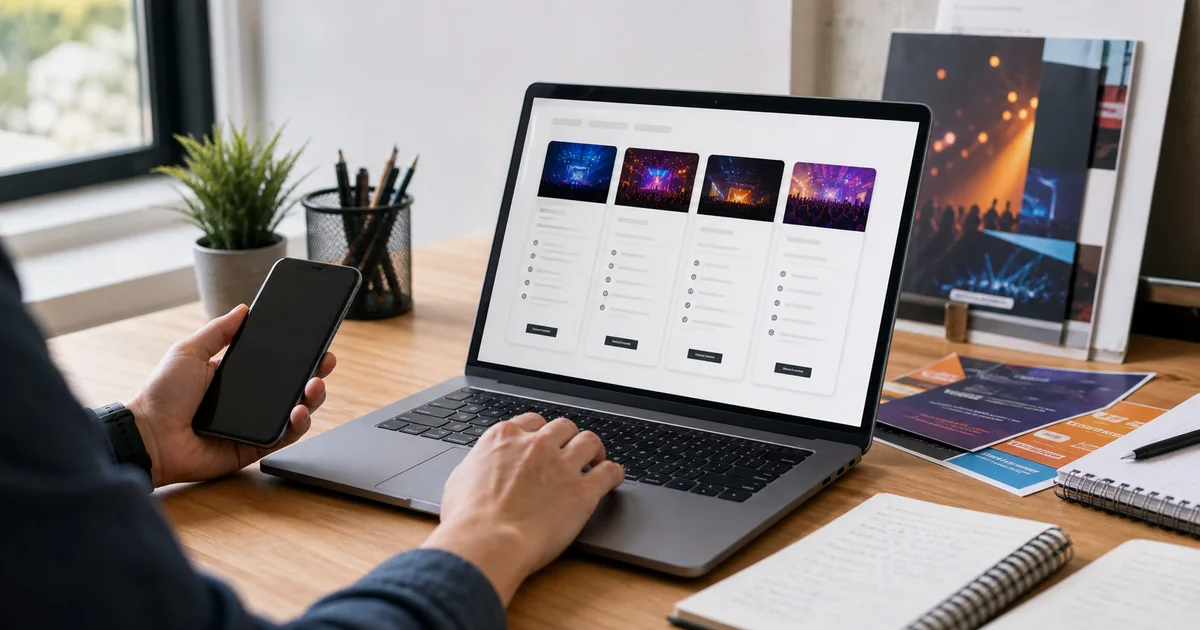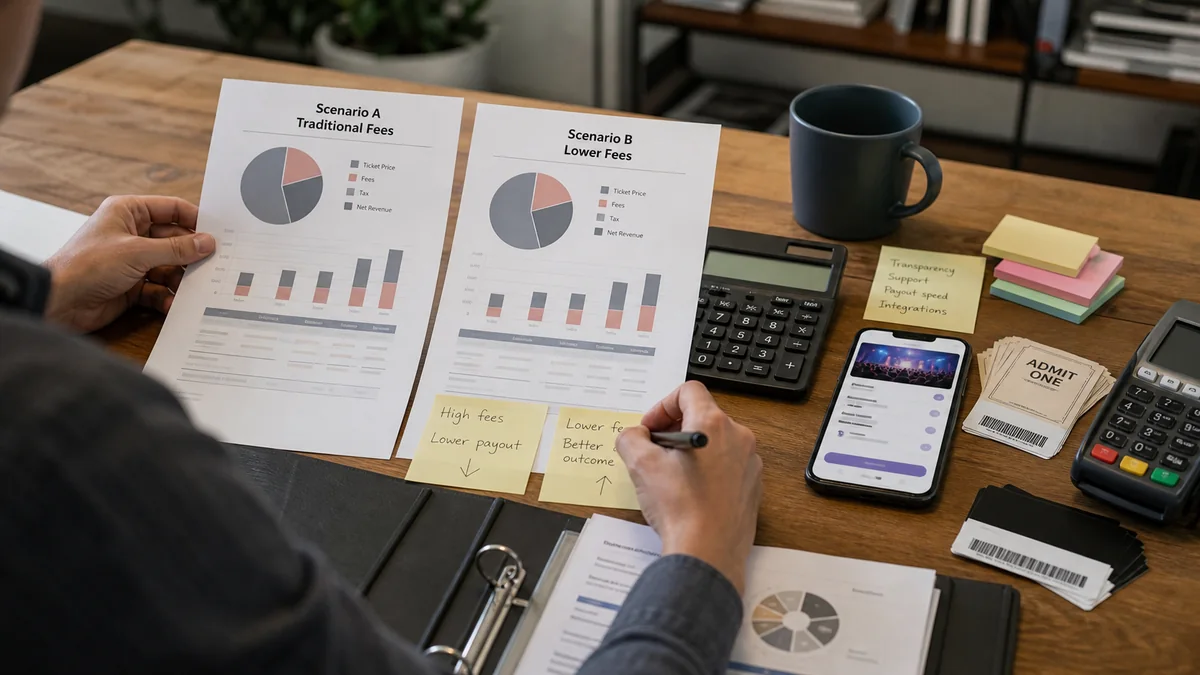
Setting up and managing ticket sales online can greatly enhance the efficiency of your event planning process. An online ticket booking system offers numerous advantages, such as streamlined operations, increased accessibility, and enhanced marketing opportunities. Here’s a step-by-step guide on how to set up and manage ticket sales online.
Choose the Right Platform
Selecting the right online ticketing platform is crucial. Look for a platform that offers robust features tailored to your needs, such as customizable event pages and secure payment processing. Ensure the platform is user-friendly and provides excellent customer support.
Create Your Event
Once you’ve chosen a platform, start by creating your event. Provide all necessary details, including the event name, date, time, location, and description. Make sure to include high-quality images and engaging content to attract potential attendees.
Set Up Ticket Types and Pricing
Determine the types of tickets you will offer, such as general admission, VIP, or early bird tickets. Set appropriate pricing for each ticket type. Offering discounts or promotional codes can also incentivize early purchases. Our platform’sCouponsfeature allows you to create unique or general coupons easily.
Customize Your Event Page
Your event page should reflect your brand and provide all necessary information. Customize it with your logo, brand colors, and a compelling description. Include FAQs and contact information for attendees who may have questions.
Embed an Event Widget on Your Website
To drive more traffic and sales, embed anEvent Widgeton your website. This widget allows visitors to view event details and purchase tickets directly from your site, enhancing the user experience and increasing conversion rates.
Promote Your Event
Effective promotion is key to maximizing ticket sales. Utilize social media, email marketing, and partnerships with influencers or sponsors to reach a wider audience. Share your shortened URL and encourage attendees to share the event with their networks.
Monitor Sales and Attendance
Use the platform’s analytics tools to monitor ticket sales and attendance trends. This data can provide valuable insights into which marketing strategies are working and where adjustments may be needed. Real-time reporting allows you to make informed decisions quickly.
Manage Attendee Communication
Effective communication with your attendees is crucial for a successful event. Use ourSend Message to Attendeesfeature to send important updates, reminders, and post-event follow-ups. This keeps attendees informed and engaged throughout the entire event process.
Prepare for the Event
As the event date approaches, ensure you have all necessary materials and personnel ready. Use ourTicket Scanner Appto facilitate a smooth check-in process. The app, available on both Android and iOS, helps you quickly verify tickets and manage entry efficiently.
Setting up and managing ticket sales online can significantly enhance your event planning process. By choosing the right platform, customizing your event page, promoting effectively, and utilizing features like the URL shortener, event widget, and ticket scanner app, you can create a seamless and enjoyable experience for both you and your attendees.