Food events have a ticketing problem that most organizers do not see until they are in it
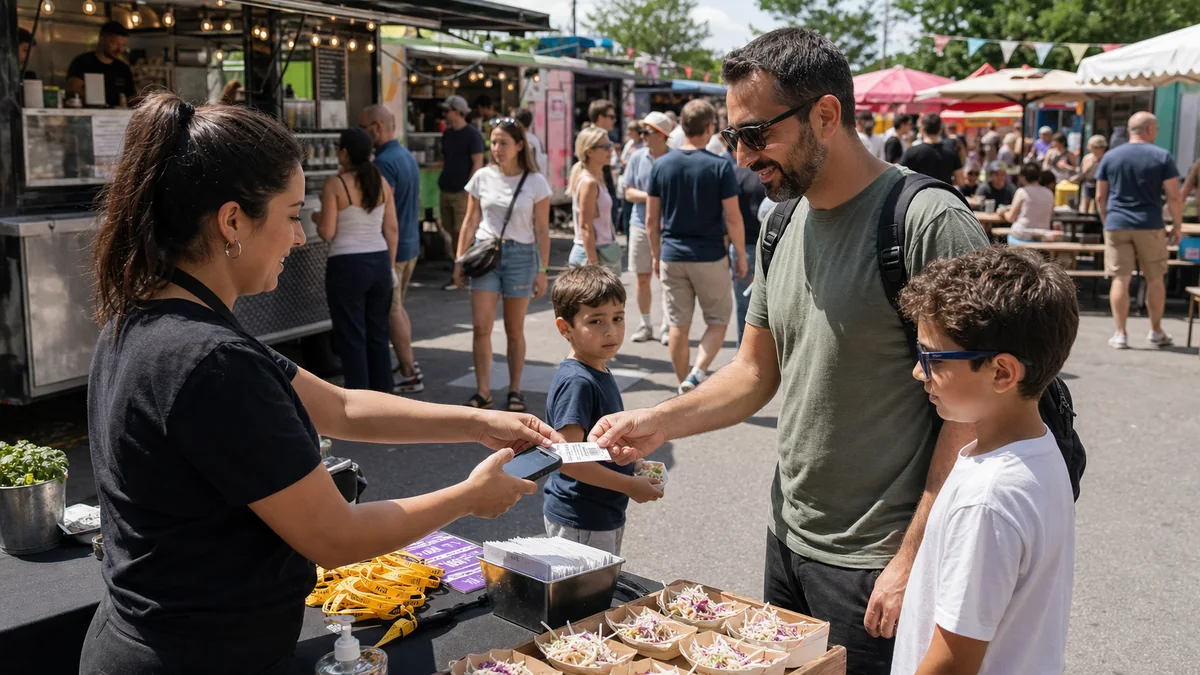
A street food market with free entry and 3,000 people wandering through is a very different operation from a seated tasting event with 80 guests per session. Both are "food events." But the ticketing requirements, the capacity management, the revenue model, and the on-the-day operations are completely different. Many food event organizers end up applying the wrong model to their event because they did not make this distinction clearly at the setup stage.
This guide covers the three most common food event formats, the ticketing structure that fits each one, and the specific ShowRave configuration that makes them manageable rather than chaotic.
The three food event formats and what each one needs from ticketing
Understanding which format you are running determines everything downstream about how tickets are structured, priced, and managed.
Open-access food market with paid premium experiences.The market itself is free to enter: anyone can walk through the stalls, browse, and buy food directly from vendors. Paid tickets unlock specific premium experiences within the market: a masterclass with a guest chef, a ticketed tasting flight, a premium producer dinner, or a live demonstration with seated access. This is the most common model for large street food markets and is commercially sound because it generates a base of free visitors who create atmosphere and word-of-mouth while premium ticket sales cover operational costs.
On ShowRave, configure the premium experiences as separate ticket types, each with its own time slot, capacity, and price. Free market entry requires no ticketing. The premium experience tickets are what buyers purchase and what the door team validates on entry to the specific experience.
Timed-entry food festival.The entire festival requires a ticket, but tickets are sold by entry session: a morning session, an afternoon session, and potentially an evening session with different programming. This model manages footfall density and gives each session group a less crowded experience than a single all-day entry model would produce.
Configure each session as a separate ticket type in ShowRave with its own capacity limit. When a session sells out, only that session is closed; other sessions remain available. Include the session time prominently in the ticket type name so that the organizer dashboard and door team can identify which session each buyer belongs to on arrival.
Seated tasting event.A fully ticketed, seated experience where a defined number of guests attend a curated tasting program at a specific time. This is the most intimate and premium food event format. It commands the highest per-head ticket price, requires the most detailed registration data (dietary requirements, allergy information), and runs the most complex day-of operation because every seat is accounted for from the moment the event opens.
Session-based capacity management
Session-based ticketing is the most important configuration decision for any food festival or timed market. Without independent session capacity limits, a festival that appears to have overall availability may already be sold out for the specific session a buyer wants. Buyers who arrive to discover that their preferred session has been closed without clear communication about sessions will dispute the charge.
ShowRave's per-tier capacity limits handle this cleanly. Configure each session as a separate ticket type with its own quantity cap. When Session 1 (10am to 1pm) sells out, it closes automatically. Session 2 (2pm to 5pm) remains open. Buyers see exactly which sessions are available without manual monitoring from the organizer during the sale period.
For markets with long entry windows rather than discrete sessions, a rolling capacity approach, where a total capacity for the full day is managed as a single ticket type with a timed entry note in the description, simplifies the buyer experience at the cost of some footfall distribution control. For markets where crowd density at peak times is a concern, discrete sessions are worth the additional configuration.
AddOns that work for food events
Food events have more natural AddOn opportunities than most other event formats because the product the buyer is coming for is inherently experiential and consumable. A buyer who has committed to attending a food festival is primed to add a related extra at the same checkout moment.
High-converting food event AddOns: a pre-order of a specific producer's product at a discount available only to ticket buyers; a masterclass or demonstration slot with a chef or producer (limited capacity, premium experience); a physical item such as a food guide, a recipe booklet, or a branded tote bag; a wine or drink pairing flight available alongside the main tasting experience; and for seated events, a meal upgrade from standard to premium menu.
Configure each AddOn with a clear description of what is included, any quantity limit, and where relevant, a collection or redemption note so buyers know what happens with the item at the event. AddOns that require physical collection at a specific point in the venue should specify that clearly at checkout: "Collect your hamper at the organizer's desk on arrival."
Dietary requirements: safety-critical at food events
At a general entertainment event, a missed dietary requirement is an inconvenience. At a seated tasting event or a curated food experience, it is a potential medical emergency if a buyer with a serious allergy is served something they cannot safely eat. Capturing dietary information at registration, not at the door, is the operational standard that prevents this.
Configure a dietary requirement field for every ticket type at a seated food event, with a free-text field specifically for allergies. For events where allergen information affects the menu preparation, include a note that orders received after a defined cut-off date cannot be accommodated, setting the expectation clearly before purchase. Export and share the dietary data with the chef or catering team at a confirmed date before the event. The accuracy of the catering brief depends entirely on the completeness of the registration data.
Promoting a food event: the channels that work
Food events have strong visual content potential and a naturally shareable social identity. An afternoon at a food market is an aesthetic experience that translates well to Instagram, TikTok, and Pinterest. Food photography from previous editions is one of the highest-performing content types for food event promotion because it communicates the sensory experience directly.
Affiliate links work well for food events because the food community, producers, chefs, food bloggers, and local food-focused social accounts, has clear sub-audiences with high relevance to the event's content. A local food blogger with an engaged following promoting a market with a unique tracking link is generating reach the organizer could not achieve independently and attributing every purchase to that specific relationship.
The DP Generator at/dp-generatorcreates a specific opportunity for food festivals with strong visual branding: attendees who update their profile pictures with the event frame before the festival signal their attendance to their own networks in a way that carries the implicit endorsement of someone who considers themselves a food enthusiast. That peer signal reaches food-interested audiences that cold advertising cannot target as efficiently.
Day-of entry management for a food event
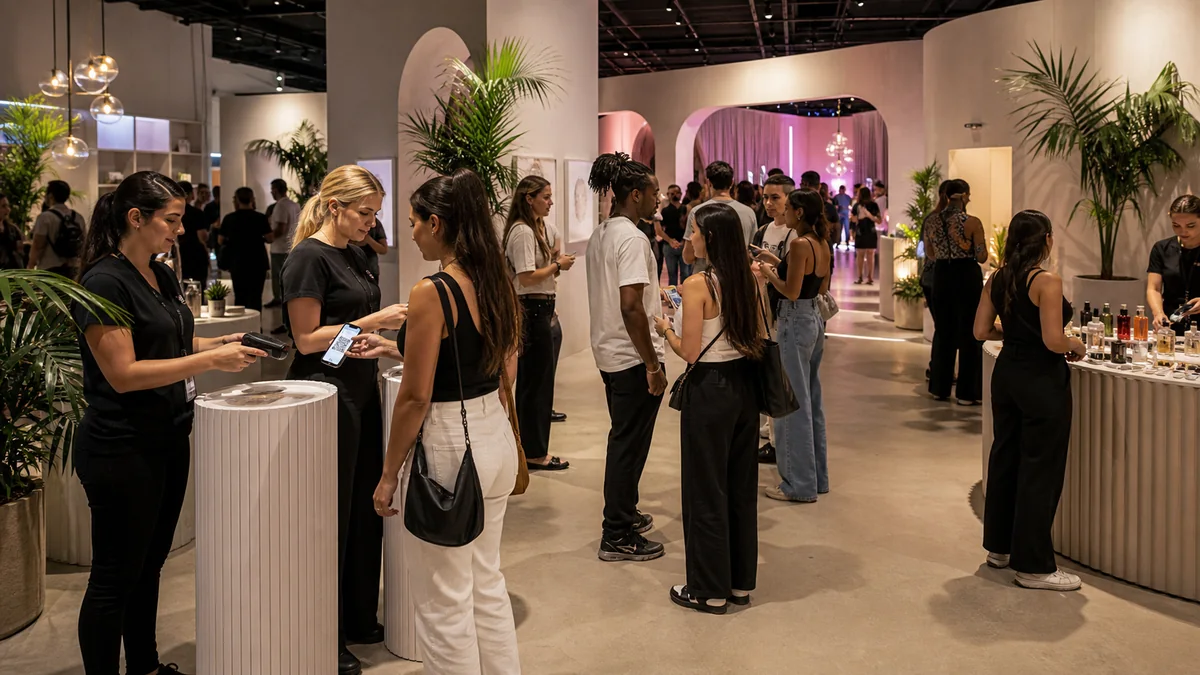
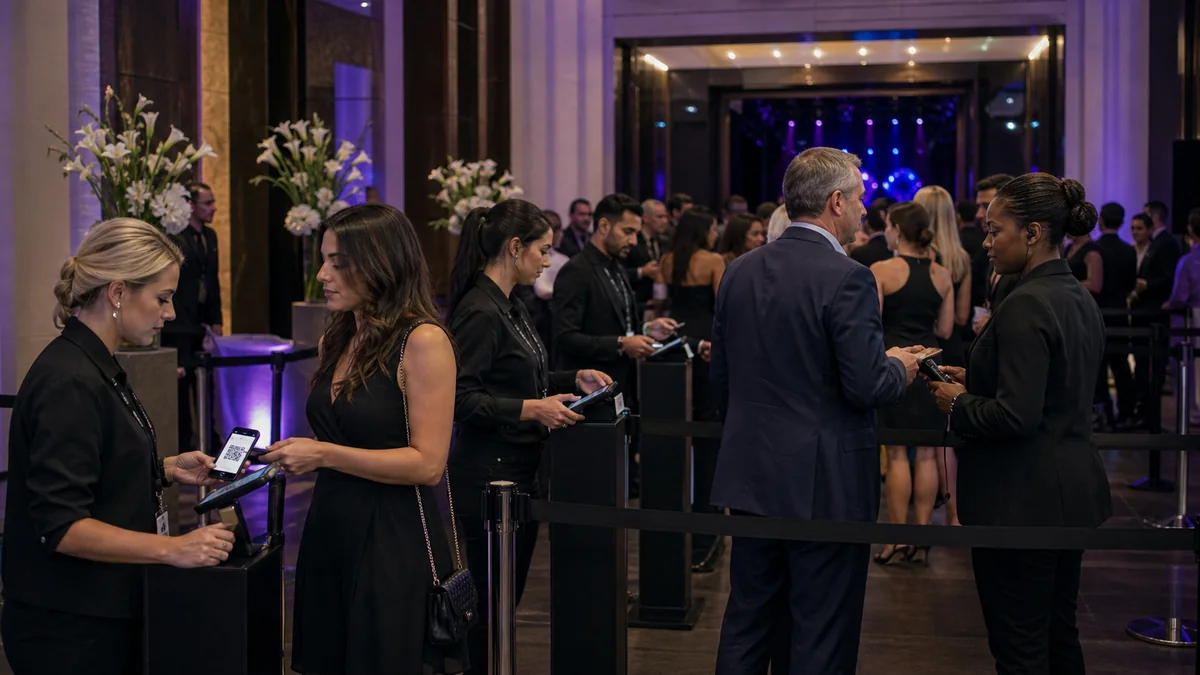
Food event entry has a specific operational challenge: buyers arriving in a wave at session start time, each needing a quick scan, while the venue is simultaneously preparing to receive them. Download the ShowRave scanner app at/apps/scannerbefore the event and test it at the venue's entry point. For session-based events, the scanner shows each buyer's session ticket type in the scan result, so the door team can confirm that a buyer is entering in the correct session window without needing a separate system.
For premium tasting events with seated allocation, assign a seating coordinator role to someone separate from the scanner operator. Buyers are scanned and confirmed at the door, then directed to their table by the seating coordinator. Keeping the scan queue and the seating queue separate prevents the bottleneck at the entry point that happens when the same person is scanning tickets and managing seating simultaneously.
After the event: the data that builds a better food event next time
Food events generate specific post-event data that is commercially useful for future planning. Session fill rates tell you which time windows were most popular and which had spare capacity, which directly informs the session structure for the next edition. AddOn attachment rates tell you which extras the food community at your specific event was willing to buy at checkout, which tells you what to stock and price for next time. No-show rates by session tell you whether specific sessions attracted lower-commitment buyers who are worth managing differently through pre-event communication.
Export the ShowRave attendee report after each edition of the food event. Review the session-level data, not just the total headcount. A food festival that ran three sessions and saw them fill at different rates, at different times, with different no-show rates, has three distinct data sets to plan from. The organizer who reviews these after every edition makes more precise decisions about session timing, capacity allocation, and AddOn selection than the one who runs on instinct and collective memory.
For recurring food events such as annual food festivals, quarterly tasting events, or monthly street food markets, the compounding data across editions builds a picture of the event's audience behavior that no single edition can provide. The patterns in session preference, AddOn attachment, and conversion by promotion channel become progressively clearer with each edition and progressively more actionable for the planning decisions that follow.
Create your food event on ShowRave at/create/create-venue-eventfor venue events or/create/create-online-eventfor virtual tasting events. Configure session-based ticket types and AddOns before the first promotional post goes out.
\n\nThe food event that runs consistently, improves each edition, and builds a returning audience is the one whose organizer treats ticketing as infrastructure rather than an afterthought. The session structure, the AddOn configuration, the dietary data capture, and the post-event analytics are the foundation that makes every subsequent edition more efficient than the last.
\n\nThe timed-entry food festival that manages its sessions cleanly, captures dietary data at registration, activates its vendor and food blogger community through affiliate links, and reviews its session analytics after every edition builds a commercial and operational capability that compounds across the years. The first edition is always the hardest. The fifth edition runs on the foundation the first four built.