The ticket format question that seems trivial until something goes wrong
Most event organizers do not think carefully about how their tickets are delivered to buyers until a door management problem occurs: a buyer whose phone died before arrival with no printed backup, a ticket format that the scanner app could not read, a buyer who could not find the app required to display their ticket, or a group where half had the ticket accessible and half did not. These are not rare edge cases. They are predictable consequences of ticket delivery choices that did not account for how real audiences behave under real event-day conditions.
The ticket format you choose determines what your attendees need to do to get through the door and what your door team needs to handle when something does not work as expected. Getting it right means fewer problems at entry, a faster queue, and an attendee experience that starts well rather than with friction.
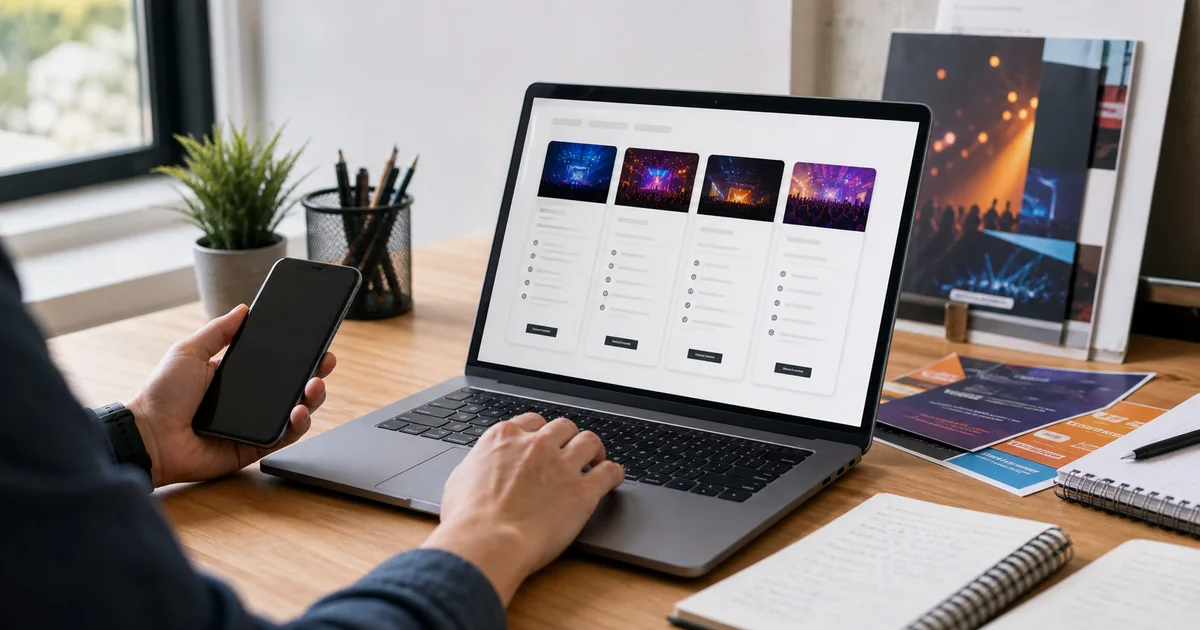
The three formats and when each one works
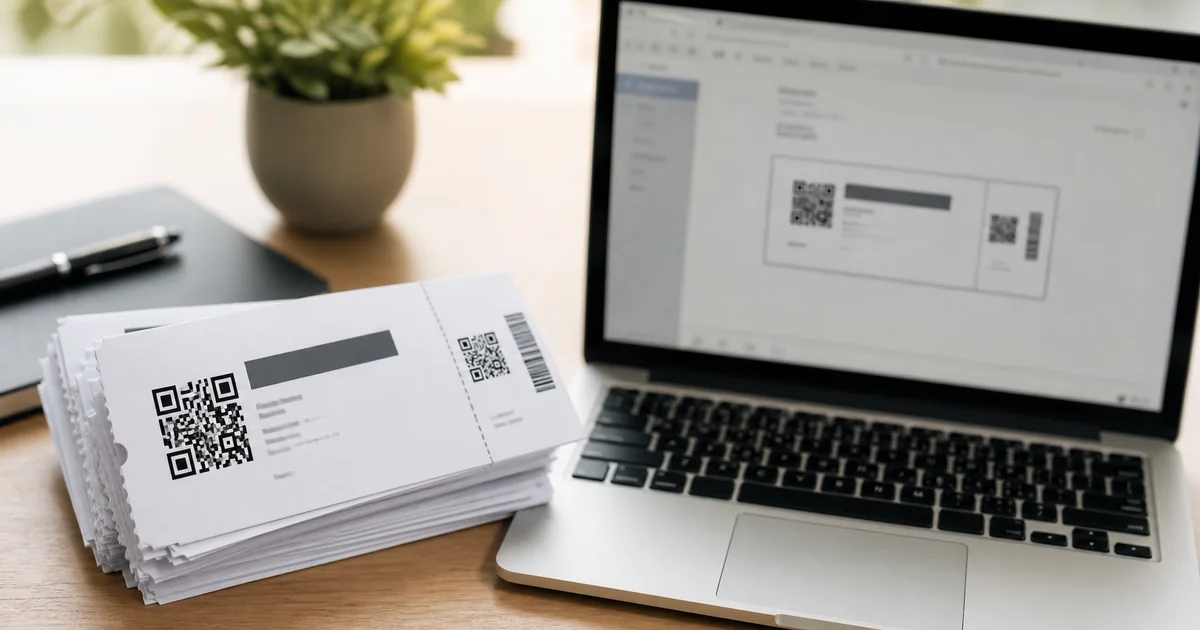
QR-coded PDF ticketsare delivered by email and can be displayed on any device with a screen or printed on paper. They require no app, no account login, no connectivity on arrival, and no specific phone model. A buyer who saves the PDF to their phone's camera roll, prints it, or forwards it to someone attending on their behalf can enter with any of those options. For door teams, a QR code is a QR code: the scanner reads it identically whether it is on a phone screen or a printed sheet of A4.
Mobile wallet tickets(Apple Wallet, Google Wallet) are stored in the phone's native wallet application and can be accessed without opening an email or an app. They update in real time if details change and can include notifications. For buyers who use their wallet regularly, they are genuinely convenient. For buyers who have never added a ticket to their wallet, they introduce a setup step that some people will abandon or complete incorrectly.
App-only ticketsrequire the buyer to download and log in to a specific application to access their ticket. This is the highest-friction delivery format and the most dependent on buyer behavior. If the buyer forgets to download the app before leaving home, if the app requires connectivity to load, or if the phone battery is low, the ticket may not be accessible at the door. The benefits of app-only delivery are primarily for the platform: user acquisition and engagement for their application. For the organizer and the attendee, it adds a dependency that serves neither.
Why PDF remains the default for most events
The practical case for QR-coded PDFs is not that they are technically superior to other formats. It is that they fail gracefully in every scenario where other formats fail catastrophically.
A buyer with a dead phone can show a printed PDF. A buyer who did not download an app can still show their email. A buyer in a venue with no signal can show a locally cached image of the PDF. A buyer who wants to give their ticket to a friend or family member who is arriving separately can forward the email. Every one of these scenarios is a real situation that occurs at every significant event, and PDF tickets handle all of them while app-only formats handle none of them.
For older attendees, attendees without smartphones, or attendees in markets where specific wallet apps are less common, the PDF's device and platform independence is not a secondary consideration. It is the reason they can attend at all without needing assistance at the door.
How ShowRave handles ticket delivery
Every ticket sold through ShowRave generates a QR-coded PDF ticket delivered by email to the buyer immediately after purchase. The QR code is unique to the specific order, linked to the attendee's identity, and validated against the event's attendee list when scanned at the door. No two tickets share the same QR code, which means the scan at the door is not just confirming the buyer has a valid PDF file. It is confirming that this specific code, for this specific ticket, has not been previously used.
The delivery is automatic. The organizer does not need to send tickets manually, and the buyer does not need to follow any additional steps beyond completing their purchase. The ticket arrives in their inbox within minutes of the transaction completing.
Fraud prevention: what unique QR codes actually prevent
A QR code that is simply a static image can be screenshot, shared, and used by multiple people if the scanning system only checks whether the code is a valid QR code rather than whether it has been used before. This is a fundamental security gap in systems that use generic QR readers rather than purpose-built ticket validators.
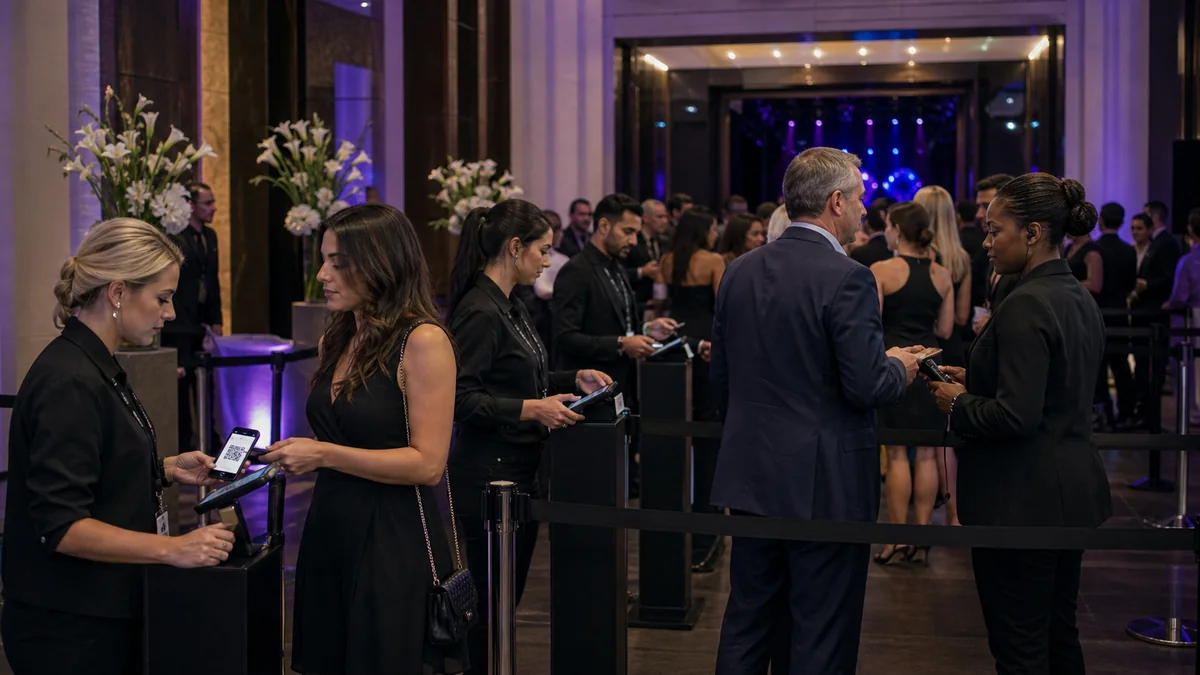
ShowRave's system validates each QR code against the event's attendee list in real time. When a code is scanned at the door and shows green for the first time, that code is marked as used in the database. Any subsequent scan of the same code shows red, regardless of which device processes the second scan. This means a ticket forwarded to multiple friends, screenshotted and shared, or photographed and sent to a group cannot be used more than once, because the validation system tracks scan state rather than just code validity.
For high-demand events where ticket touting or fraudulent sharing is a genuine concern, this duplicate detection is a meaningful security capability that printed name lists and generic QR readers cannot provide.
Customising your ticket design
A well-designed PDF ticket does more than function correctly at the door. For premium events, a ticket with event artwork, the organizer's branding, and the specific details of the buyer's purchase is a small but meaningful part of the overall attendee experience. An attendee who saves or frames their ticket as a memento has a relationship with the event that a generic confirmation email does not create.
Event branding on your ShowRave tickets, including logos and event artwork where supported, extends your brand touchpoint into the ticket delivery itself. The ticket the buyer opens in their email is part of the event, not just an access mechanism, and investing in its design reflects on the event's overall quality before the attendee has even arrived.
Practical advice for organizers choosing their ticket format
For most events, QR-coded PDF tickets delivered by email is the correct default. The audience is broad, the failure modes are minimal, and the door management is straightforward. Reserve wallet integration or app-based delivery for events where the specific audience consistently uses those formats and where the additional setup complexity is justified by the audience profile.
Whatever format you choose, test the full buyer journey before the event goes live. Buy a test ticket, receive the confirmation, open the PDF, and scan the QR code with your scanner app. The five minutes this takes will surface any configuration issue before it becomes a problem at the door.
What the attendee actually experiences
Understanding the ticket delivery experience from the buyer's perspective clarifies why format decisions matter more than they might initially seem.
A buyer who completes a purchase on ShowRave receives an email within minutes containing their QR-coded PDF ticket. They open the email on their phone, see a clearly formatted ticket with the event name, date, venue, and their personal details alongside the QR code, and save or screenshot it for later reference. When they arrive at the event, they open the image on their phone, hand it towards the scanner, and hear a confirmation within a few seconds. The total friction involved is minimal: one email, one open, one show.
Compare this to an app-only delivery: the buyer receives an email telling them to download an app, opens the App Store or Play Store, searches for the app, waits for the download, creates an account or logs in, finds the tickets section, and locates their specific event. For buyers familiar with the app, this is three steps. For first-time users, it is a seven-step process that a meaningful percentage will not complete before arriving at the door.
The PDF format also benefits buyers who share attendance with someone else in their party. A buyer who purchases two tickets, one for themselves and one for a partner arriving separately, can forward the email. Both arrive independently with their own QR codes. This common real-world use case is handled without friction; app-only systems require the secondary user to have their own account.
Setting up ticket delivery on ShowRave
Ticket delivery on ShowRave is automatic and requires no configuration from the organizer. Every buyer who completes a purchase immediately receives a confirmation email containing their QR-coded PDF ticket. No manual sending, no batch processing, no follow-up required. If you want to customise the confirmation email content, adding event-specific instructions, parking details, or what to bring, you can do so in the event setup. The customised confirmation goes to every buyer who purchases after the change is saved, and any details you add appear alongside the QR code ticket in the same email the buyer receives.