Your ticket is in your email. Apple Wallet means it is always one tap away.
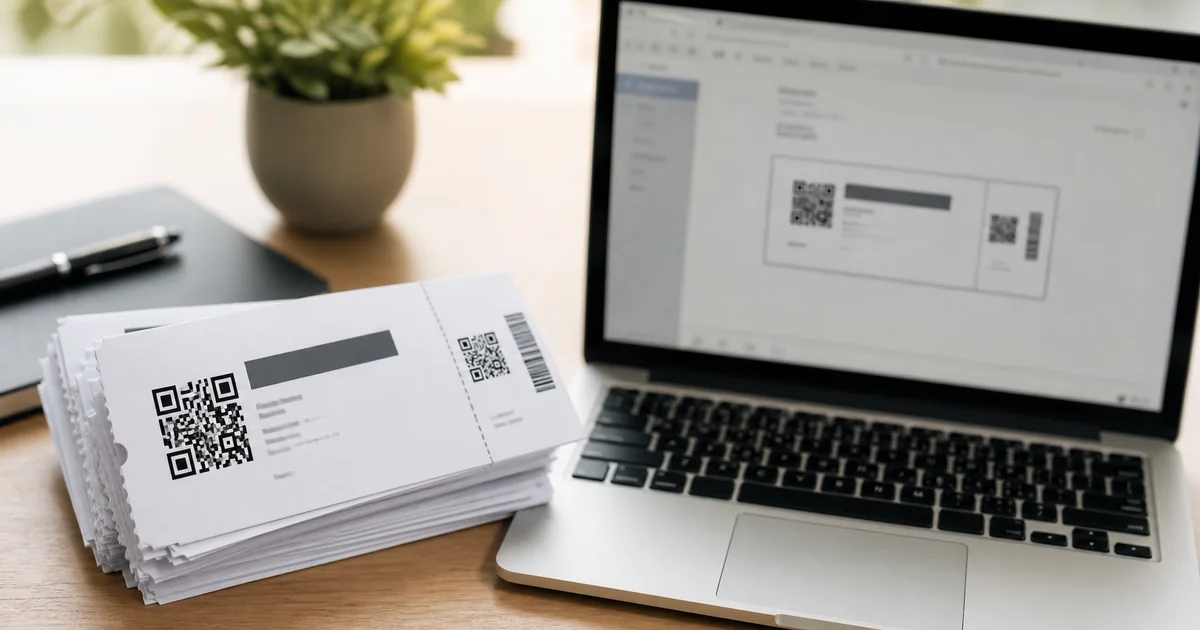
A QR-coded PDF ticket sent to your email is reliable and accessible. But on the night of an event, when you are at the door in a queue, the practical experience of retrieving it matters: open the email app, find the confirmation email (or search for it if it got buried), load the attachment, and present the QR code. For most attendees, that takes 20 to 30 seconds and occasionally longer if the phone is slow or the signal is poor.
Apple Wallet changes that flow to a single swipe. The ticket sits in the Wallet app alongside any other passes the phone holds. It appears on the lock screen as the event approaches. It works without an internet connection. And because it is a native iOS feature rather than a third-party app, it requires nothing new from the attendee beyond saving the pass once after purchase.
ShowRave generates iOS Wallet passes for event tickets. This guide covers how attendees add the pass to their Wallet, what the experience looks like at the door, and why it matters for the organizer's entry operation as well as the buyer's experience.
How the ShowRave iOS pass works
When a ticket is purchased through ShowRave, the buyer receives a confirmation email containing their QR-coded PDF ticket. For iOS users, the confirmation also includes the option to add the ticket to Apple Wallet. Tapping that option opens the standard iOS Wallet add-pass prompt and the pass is saved to the Wallet app in one step.
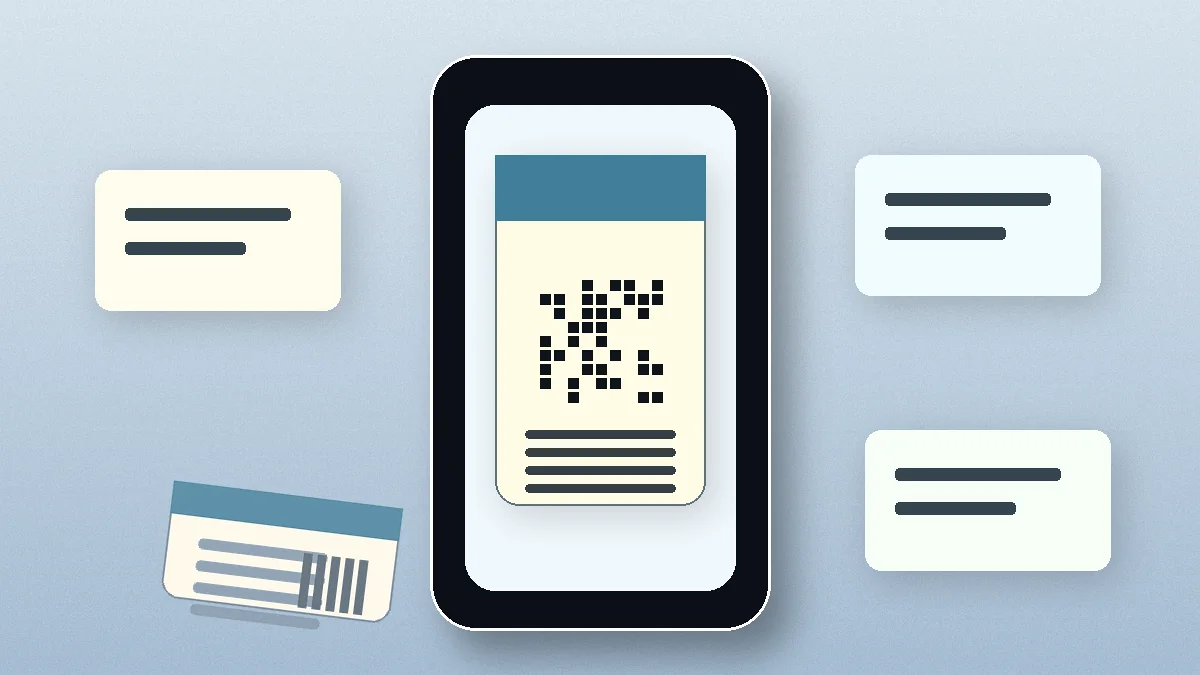
The saved pass displays the event name, date, time, venue, and the buyer's unique QR code. It is formatted as a standard iOS Wallet pass, which means it behaves consistently with how Apple Wallet handles boarding passes, loyalty cards, and other passes. The QR code on the pass is the same unique code used for entry validation, the same code that appears on the PDF ticket, validated against the same attendee database through the ShowRave scanner app.
When the event date approaches, the pass surfaces automatically on the iPhone lock screen as a notification, prompting the attendee to open it. On arrival at the venue, the attendee opens their Wallet, the QR code is displayed, and the scanner reads it in the same way as any other presentation format.
Why this benefits the entry operation
From the door team's perspective, the Wallet pass changes nothing about the scanning process. The ShowRave scanner app validates every QR code the same way regardless of whether it comes from the PDF email, a screenshot, a printed copy, or an Apple Wallet pass. The validation is against the attendee database, not the format of the code's container.
What changes is the average time it takes each attendee to produce their code. An attendee whose ticket is in their Wallet opens it in one swipe before they reach the scanner. An attendee who needs to find an email in their inbox may take significantly longer, particularly in low-signal venues where loading an email takes an extra moment. At scale, across hundreds of arrivals in the peak entry window, the aggregate time saving is meaningful. An entry lane that consistently processes faster means shorter queues, which means a better first impression for every attendee before they have seen a single element of the event.
For large events and high-capacity venues where entry speed is an operational target, the Wallet pass is one of several tools that reduce friction at the door. It complements the offline-capable scanner app, the multi-device simultaneous scanning, and the pre-event logistics communication that tells attendees which gate to use and when to arrive.
What the pass looks like and what it shows
iOS Wallet passes follow Apple's standard visual format. The ShowRave pass displays the key event information in the pass header: event name, date, and time. The QR code appears prominently in the pass body. Additional fields such as venue name and the attendee's ticket type are displayed in the pass detail section.
The pass uses the event's visual identity where supported. For organizers who have uploaded a header image to their ShowRave event page, that image carries through to the pass branding. The visual quality of the pass reflects the event's presentation, which matters for premium events and festivals where the ticket itself is part of the brand experience.
The pass is not updated dynamically after initial issue unless the underlying ticket changes. If an event is rescheduled and the organizer updates the event details in ShowRave, attendees who have already added the pass to their Wallet should receive the updated confirmation communication and be advised to check their ticket details. For time-sensitive information such as venue changes, a direct attendee communication is the reliable channel regardless of the pass format.
Apple Wallet vs PDF ticket: when each format serves attendees better
The PDF ticket and the Apple Wallet pass are not competing formats, they are two presentations of the same underlying QR code, and an attendee can have both. The PDF in their email is a permanent record of their purchase that is accessible from any device, printable, and forwardable to another person. The Wallet pass is the most convenient presentation for the moment of entry on an iPhone.
For events where a meaningful proportion of attendees use iPhones and are comfortable with Wallet as a feature, promoting the option to add the pass in the confirmation email and pre-event communication reduces the entry friction that comes from attendees hunting through their email at the door. For events with an older audience profile or in contexts where Wallet familiarity is lower, the PDF remains the primary format and the Wallet pass is an available option for those who want it.
The important caveat is that iOS Wallet passes are an Apple feature. Android devices use Google Wallet, which operates on a different pass format. ShowRave's current iOS pass implementation covers iPhone users. Android users present their ticket from the confirmation email or a screenshot of the QR code, which validates identically at the scanner.
For organizers: how to ensure attendees use the Wallet option
The Wallet pass option is available automatically for iOS users who purchase through ShowRave. No additional configuration is required from the organizer. The option to add to Apple Wallet appears in the confirmation email for eligible devices.
To increase the proportion of attendees who actually use it, mention it explicitly in your pre-event communication. A line in the pre-event logistics email, "iPhone users can add their ShowRave ticket directly to Apple Wallet for quicker entry", draws attention to the option for buyers who may have missed it in the confirmation. For large events where entry speed is a specific operational priority, this single sentence in the pre-event email measurably reduces the proportion of attendees arriving at the scanner without their QR code immediately accessible.
The combination of faster attendee access and identical scanner validation makes the Wallet pass one of the lowest-effort, highest-return operational improvements available for iPhone-using event audiences. No additional hardware, no configuration, no extra step for the door team. Just a faster, smoother entry for the attendees who use it.
Download the ShowRave scanner app at/apps/scannerto test the full entry flow, including Wallet pass scanning, before your next event.
What attendees need to do: the full flow
For an iPhone user who has just purchased a ShowRave ticket, adding the pass to Apple Wallet takes three steps. Open the confirmation email from ShowRave. Look for the Add to Apple Wallet button or link (it appears in the email body for eligible iOS devices). Tap it and confirm the add-pass prompt that iOS presents. The pass is now in the Wallet app and will appear on the lock screen as the event date approaches.
No ShowRave account is required. No app download is needed. The entire flow happens through the native iOS Wallet feature that is already on every iPhone. For attendees who have added a boarding pass, a loyalty card, or any other pass to Wallet before, the experience is identical to what they already know.
If an attendee cannot find the add-to-Wallet option in their confirmation email, they can open the PDF ticket and look for the same option there. The pass file format is standard and compatible with any iPhone running a current iOS version. For attendees on older devices or with unusual email client settings that strip certain link types, the PDF ticket remains the fallback and validates identically at the door.
A note on privacy and pass data
Apple Wallet passes store only the information displayed on the pass: event name, date, time, venue, and the attendee's QR code. No payment information is stored in the pass. The pass does not enable any ongoing tracking of the attendee's location or usage beyond the standard iOS notification that the pass is relevant to the attendee's current location near the event venue, if location-based pass suggestions are enabled in iOS settings.
The QR code on the pass is the same unique identifier generated at the point of purchase. It is validated at the door against the ShowRave attendee database, confirming that the code is valid for the event and has not been previously scanned. The pass format does not affect or override this validation process.
For organizers concerned about data privacy questions from attendees, the above is the complete picture. The Wallet pass is a read-only display of the ticket information. It does not transmit any additional data from the attendee's device to ShowRave or to the event organizer beyond what was already captured at the point of purchase.
\n\nThe broader picture: ticket formats and attendee experience
Apple Wallet is one of several delivery formats for ShowRave tickets. The QR-coded PDF email is the universal baseline: it works on any device, can be printed, and can be shared or forwarded. The iOS Wallet pass is the most convenient presentation for iPhone users at the event door. Both carry the same QR code, validated the same way, through the same scanner infrastructure.
For events where creating a smooth, fast entry experience is a priority, the combination of a pre-event logistics email that prompts attendees to add their Wallet pass, a scanner app that processes entries quickly regardless of presentation format, and a well-briefed door team that handles the rare edge cases confidently adds up to an entry operation that sets the right tone before the event has even begun.
The Wallet pass is available to all ShowRave organizers for their events. No additional setup is required. The pass generates automatically for eligible iOS users from the same ticket that every buyer receives. For more on optimising the full entry experience, see the guide onevent day check-in.